J.Health OTC Rechargeable Hearing Aids
Try at home for 30 days.
🛡️ 1-Year Warranty 🚚 Free U.S. Shipping
Clear sound for everyday conversations.
View full details

Clear Hearing, Made Simple
J.Health OTC hearing devices are designed for clear, everyday conversations without complicated technology.
Designed for everyday use, they offer simple controls, comfortable fit, and reliable performance — so you can focus on hearing, not settings.
• Simple one-button control
• All-day battery life
• No phone pairing required
• Soft silicone ear tips for a secure fit
Shop with Confidence — You’re Covered
-
FDA-Registered. Thoughtfully Engineered.
Our hearing aids are FDA-registered over-the-counter devices, built with carefully selected components and tested for consistent, everyday performance.
We focus on clarity, comfort, and reliability — delivering premium hearing technology without unnecessary complexity or inflated pricing.
-
30-Day Home Trial
Try the hearing aids at home and decide comfortably within 30 days.
-
1-Year Warranty
Covered for manufacturing defects for one full year — no hidden terms or surprise fees.
How J.Health Hearing Aids Work
-
Step 1: Insert the Ear Tips
Choose the ear tip that fits you best.
Soft silicone tips help create a comfortable, secure fit. -
Step 2: Power On & Adjust Volume
Turn the hearing aids on and adjust the volume using the simple button controls. -
Step 3: Wear All Day
Lightweight and comfortable for everyday wear, with battery life designed to last throughout the day.
What’s Included
-
1. Left + Right Hearing Aids
Your full pair of J.Health OTC Hearing Aids, pre-configured and ready to use. Designed for all-day comfort with clear, natural sound.
-
2. Rechargeable Charging Case
Portable charging case with built-in battery. Provides up to 3 full recharges while on the go.
-
3. USB Charging Cable
USB charging cable for powering your rechargeable case.
Compatible with any standard USB power adapter.
-
4. Multi-Size Ear Tips (Small, Medium, Large)
Three silicone ear tip sizes for the perfect fit. A proper seal improves comfort, volume, and reduces whistling.
-
5. Cleaning & Maintenance Tools
Cleaning brush
Wax removal loop
Microphone cleaning tool
Keeps your hearing aids performing at their best. -
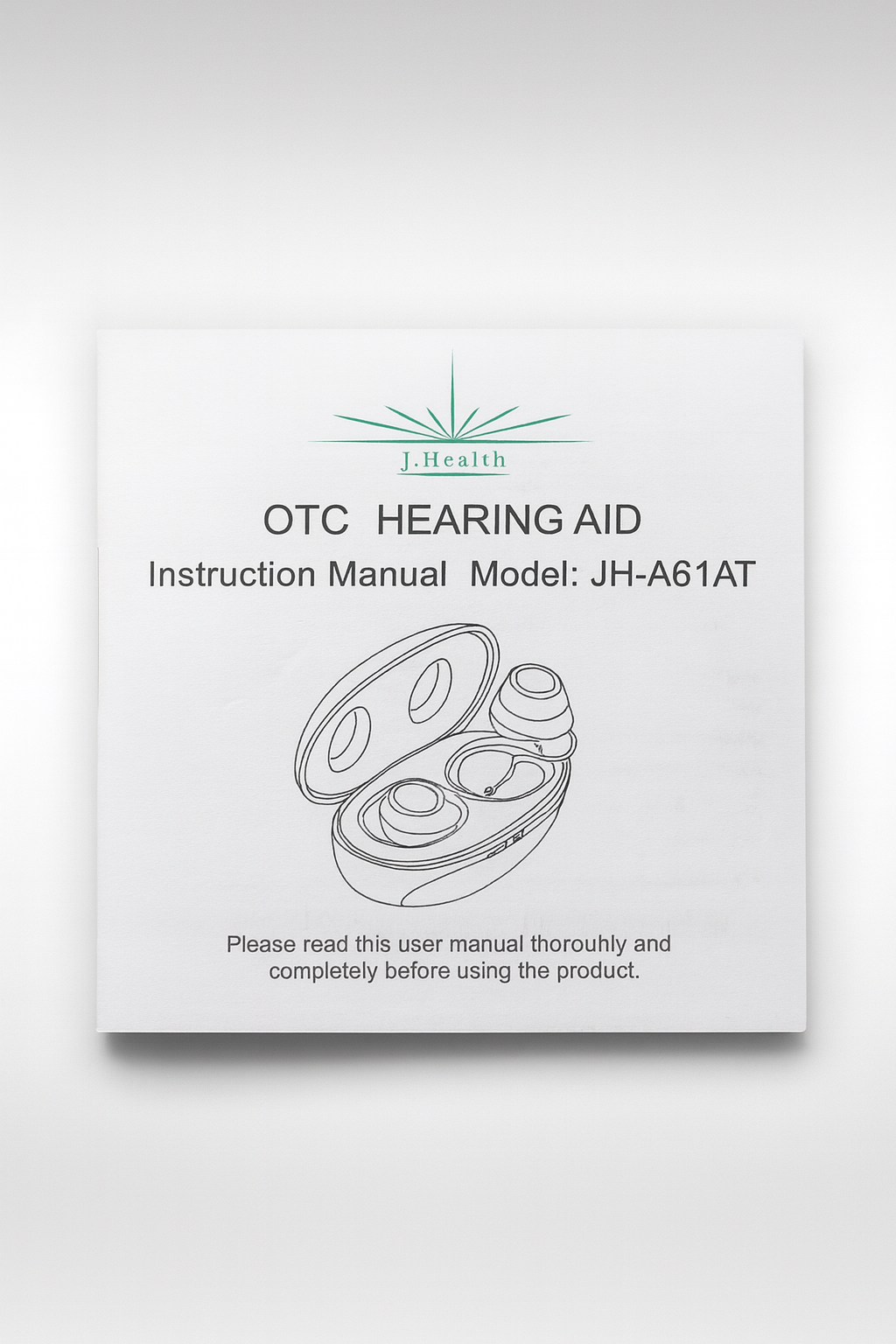
6. User Manual
Easy-to-follow instruction manual with setup, fit, and cleaning guidance to help you get the best performance from your hearing aids.
Why J.Health Is Different
-
Clear, Natural Sound
Helps reduce background noise so conversations sound more natural and easier to follow. -
Simple one-button control
No apps or Bluetooth. Just turn them on and adjust the volume when needed. -
Comfortable all-day fit
Lightweight design with multiple ear tip sizes to help you find a comfortable, secure fit.
Worry-Free Support Promise
We’re here to help every step of the way.
If you need assistance with setup, fit, or adjustments, our support team is available to guide you one-on-one — so you feel confident and comfortable using your hearing aids.
What Customers Are Saying
-
“Amazing clarity and easy to use. Better than my $500 pair.”
—Michael R., CA Verified Customer -
"Fits comfortably and volume control is simple. Great value."
—Sandra P., OH Verified Customer -
"Worked right out of the box. I hear TV conversations again."
—David L.,FL Verified Customer
Technical Specifications
• Max Output (OSPL90): 108–109 dB
• Full-On Gain: 27–30 dB
• Total Harmonic Distortion (THD): 0.2%–0.5%
• Self-Noise (EIN): 12–24 dB
• Latency: 14 ms
• Frequency Range: 200–6300 Hz
• Programs: 4 (Standard, Quiet, Outdoor, Music)
• Battery Life (Hearing Aids): ~12 hours
• Charging Case Capacity: Up to 3 full recharges
• Charging Type: USB-powered rechargeable case
Frequently Asked Questions
Are these waterproof?
No. Do not shower, swim, or submerge the hearing aids in water. Moisture can damage the electronics.
How many listening programs are there?
There are 4 preset programs: Standard, Outdoor, Restaurant, and Music.
You can switch programs by holding the multi-function button for about 3 seconds.
How long do the hearing aids last on a single charge?
The hearing aids provide up to 12 hours of listening time on a full charge.
How many times can the charging case recharge them?
The charging case can recharge both hearing aids up to 3 times from 0–100%.
How do I turn the hearing aids on and off?
ON: Insert the hearing aids into your ears — they turn on automatically.
OFF: Place them back in the charging case — they turn off and start charging.
Why do the hearing aids whistle sometimes?
Whistling usually means the tips are not sealed well or the size is wrong.
Try a different ear tip size, reinsert the hearing aid securely, and make sure the tip is clean.
Find quick answers and troubleshooting tips.
Help Guide
1️⃣ No Sound
Make sure the hearing aid is turned ON
Charge the hearing aid fully
Clean any earwax or debris from the microphone
Ensure volume is not set too low
Ensure the hearing aid is inserted properly
2️⃣ Whistling / Feedback
This usually happens when the ear tip isn’t fully sealed. Try:
Reinserting the hearing aid more securely
Trying a different sized ear tip
Making sure there are no gaps between the ear tip and ear canal
Moving your hand or phone away from the hearing aid (objects can reflect sound)
3️⃣ Low Volume
If sound seems weak or muffled:
Increase the volume level
Replace the ear tips if they are clogged
Clean the microphone opening
Make sure the hearing aids are charged
4️⃣ Charging Issues
If the hearing aids or case are not charging properly:
Ensure the hearing aids are seated correctly in the case
Clean the charging contacts on both the aids and the case
Check that the USB cable is plugged in securely
Make sure the charging case is turned ON
Try a different USB power adapter
5️⃣ General Care Tips
To maintain the best performance:
Wipe the hearing aids daily with a dry cloth
Keep your devices away from heat, humidity, and dust
Never submerge the hearing aids or case in water
Replace ear tips every 3 months or if they become worn
Store the hearing aids in the charging case when not in use
6️⃣ How to Wear the Hearing Aids
Choose a comfortable ear tip size
Gently place the hearing aid into your ear canal
Push lightly until it sits securely and forms a good seal
The hearing aids will turn ON automatically when worn
7️⃣ How to Switch Programs
Your J.Health Hearing Aids include 4 listening programs:
1 – Standard
2 – Quiet
3 – Outdoor
4 – Music
Press and hold the multi-function button for 3 seconds to switch programs.
A beep sound confirms each change.
8️⃣ Indicator Light Guide
Charging Case:
Orange light: Charging
Green light: Fully charged
Hearing Aids:
Red blinking: Low battery
Solid light in case: Charging
Ready to Hear Clearly Again?
Take the next step toward clearer, more natural conversations.